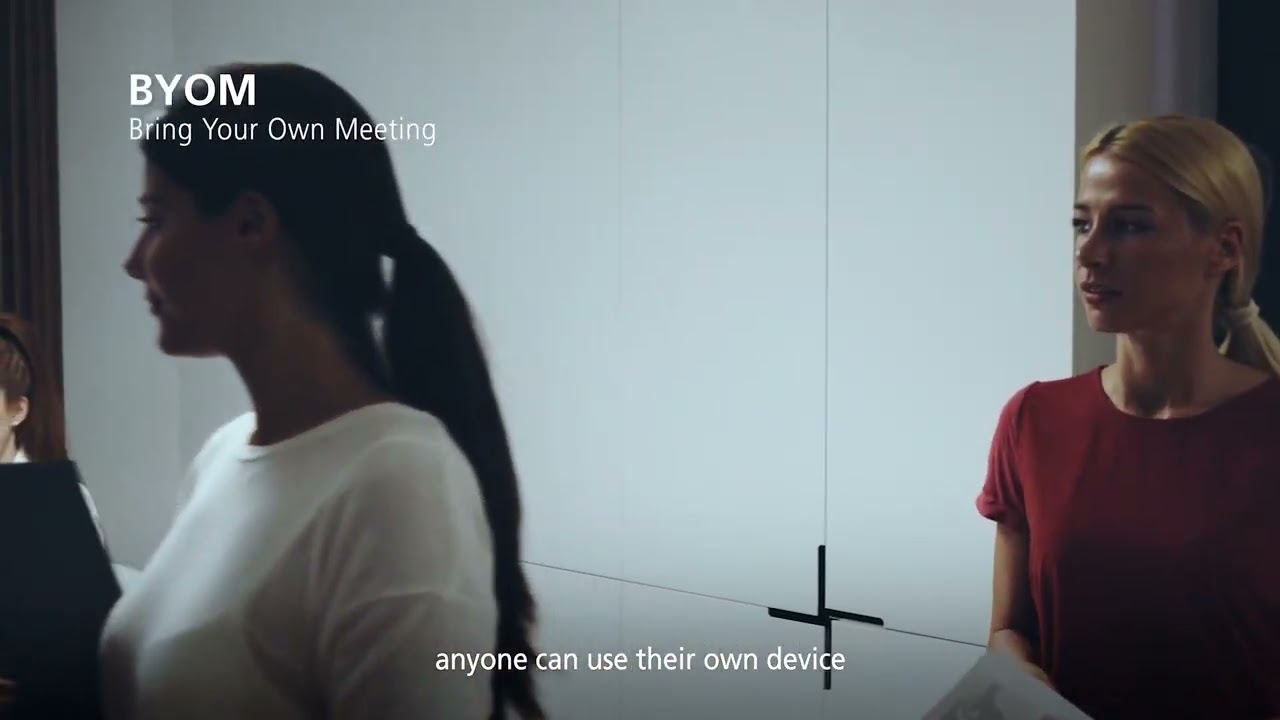
Bring Your Own Meeting (BYOM) lets staff and visitors run a call from their own laptop, on whatever platform the meeting is booked on, while using the room’s camera, microphones, speakers and display. No room PC to log into and no platform to argue about.
What you will learn
Any platform
Teams, Zoom, Google Meet or Webex: the meeting runs on the laptop, so it works with whatever invite you received.
One connection
A single cable or wireless connection brings the room camera, audio and display to the laptop.
Better for guests
Visitors and partners can host or join without needing an account on the room system.
Clear audio both ways
Room microphones and speakers replace the laptop’s own, so remote people hear the whole room.
Setting up BYOM rooms?
We design BYOM and BYOD rooms with the right switching, cameras and audio. See meeting room solutions or talk to us.


