KVMExplained by PRO AV Africa
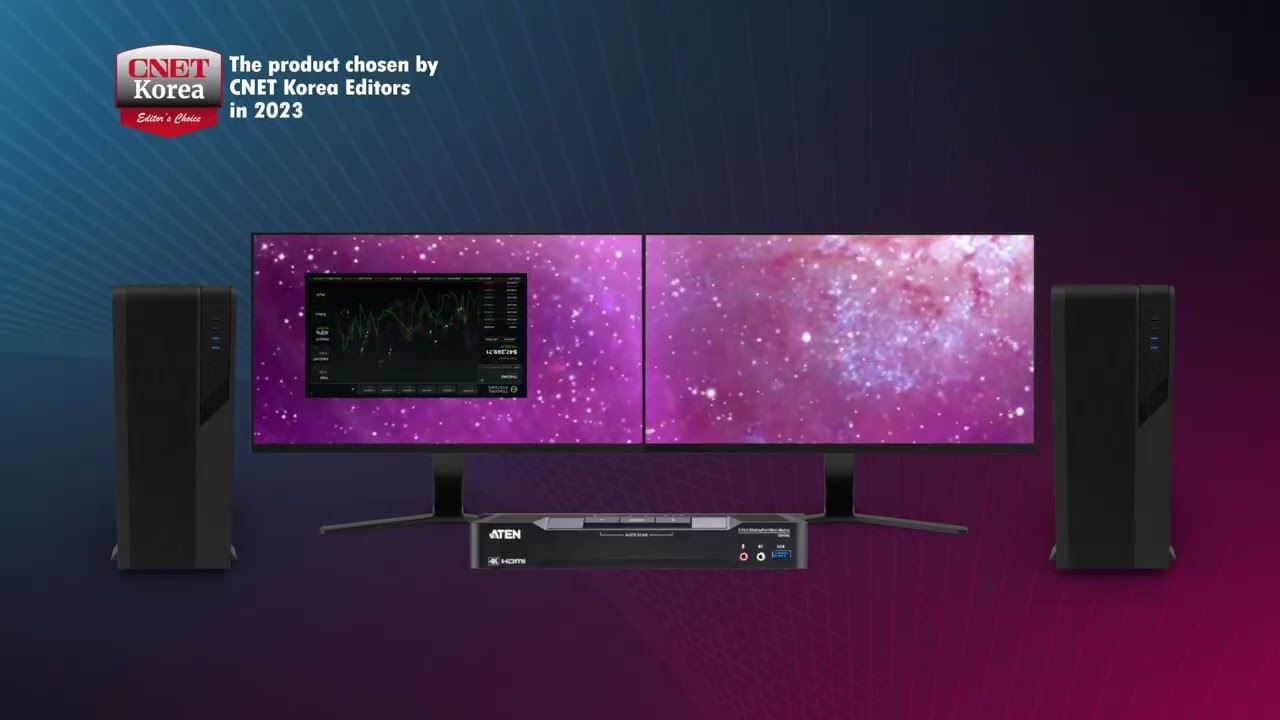
Working between two computers? A dual-display KVM switch lets you control both with one keyboard and mouse, each computer showing on its own monitors. Switching takes a second, the desk stays clear, and secure networks stay separate.
What you will learn
One keyboard and mouse
Control two or more computers from a single set of controls instead of a cluttered desk.
Two screens per computer
Dual-display models keep a full two-monitor desktop for each computer.
Where it is used
Banks, trading desks, control rooms, newsrooms and IT teams who work across separate systems.
Beyond the desk
KVM extenders and KVM over IP let you keep the computers in the server room and the user at the desk.
Choose the right type. Desktop, secure, rack, extender and matrix KVM all solve different problems. The number of computers, screens, resolution and security level decide which one fits.
Planning a KVM setup?
We size KVM for single desks up to full control rooms. See KVM, server room and power solutions or talk to us.


