

KVM switching and extension in Uganda
KVM (keyboard, video, mouse) lets one operator control several computers from a single desk, or move the computers out of the room while the operator keeps working as normal. It keeps desks clear, cuts noise and heat, and keeps the computers locked away in a rack.
It is used in control rooms and command centres, server rooms, broadcast studios, banks and trading floors, hospitals, and anywhere an operator needs to work across several systems.
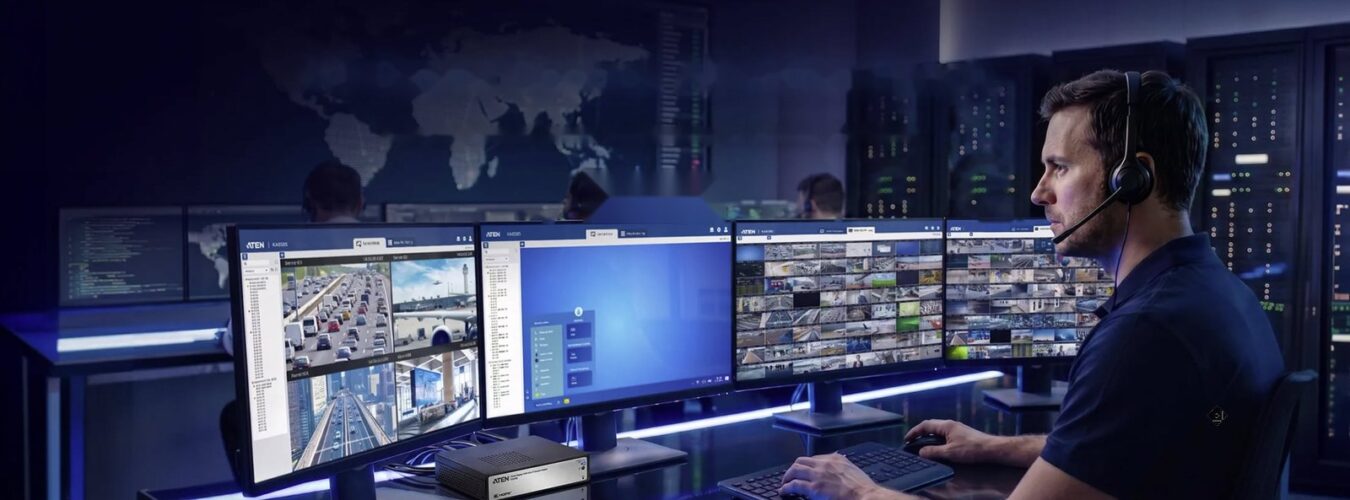
One desk. Many computers. Full control.
From a two computer desk in an office to a full control room where any operator can reach any computer, there is a KVM built for the job. Choosing the right type is what makes the system easy to use.
Why use a KVM?
- One set of peripherals: one keyboard, mouse and monitor for several computers, so the desk stays clean and the operator stays focused
- Computers out of the room: move noisy, hot computers to a secure rack and keep only the screens and keyboard at the desk
- Security: keep sensitive computers locked away, and with secure KVM keep separate networks fully isolated
- Fast response: switch between systems instantly by hotkey, push button or simply moving the mouse to another screen
- Less cost: fewer monitors, keyboards and desks, and less power and cooling in the operator room
The types of KVM
1. Desktop KVM switches
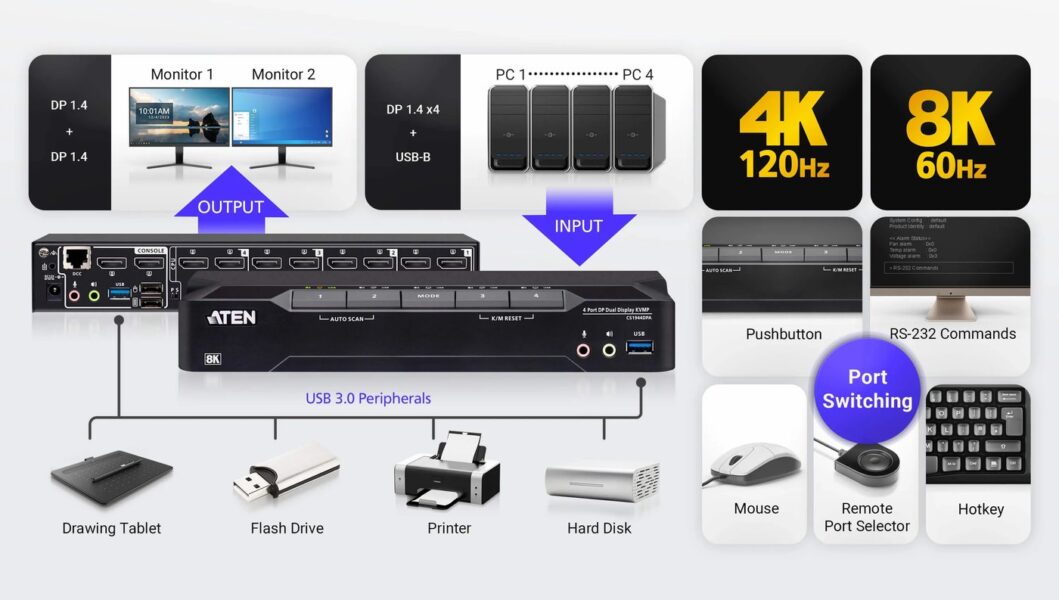
The most common KVM. Two, four or more computers connect to one switch, and the user shares one keyboard, mouse, monitor, speakers and USB devices such as printers, flash drives, drawing tablets and webcams. Switching is by front panel button, hotkey, mouse or a remote port selector.
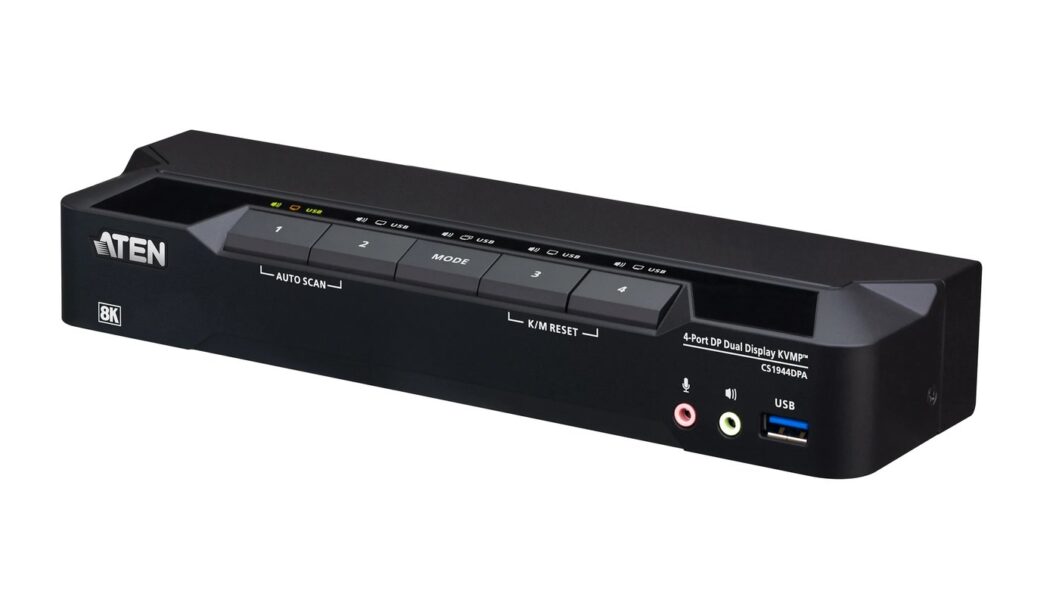
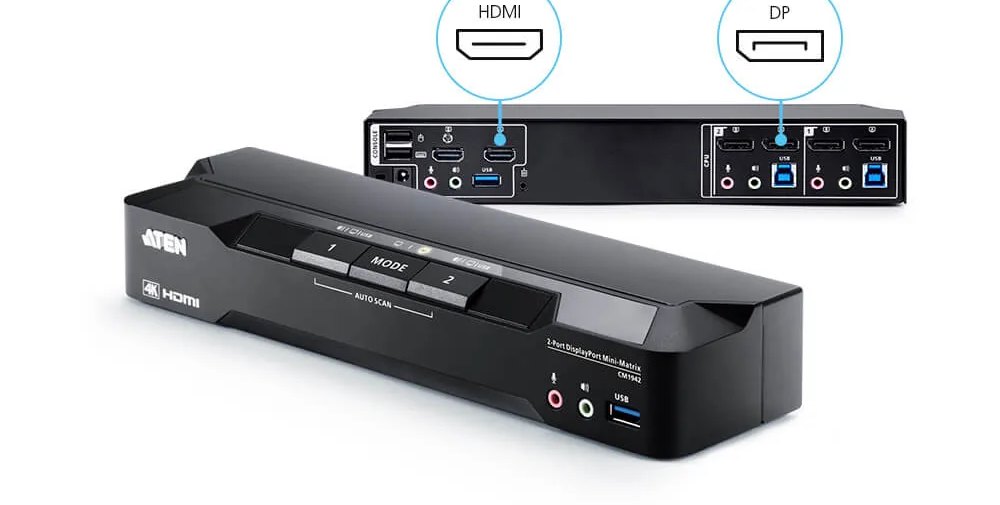
Current models support HDMI, DisplayPort and USB-C, with 4K resolution as standard. The ATEN CS1944DPA, for example, is a 4-port DisplayPort dual display KVM switch with USB 3.0, supporting 4K at 120Hz and 8K at 60Hz.
2. Dual display and boundless KVM switches
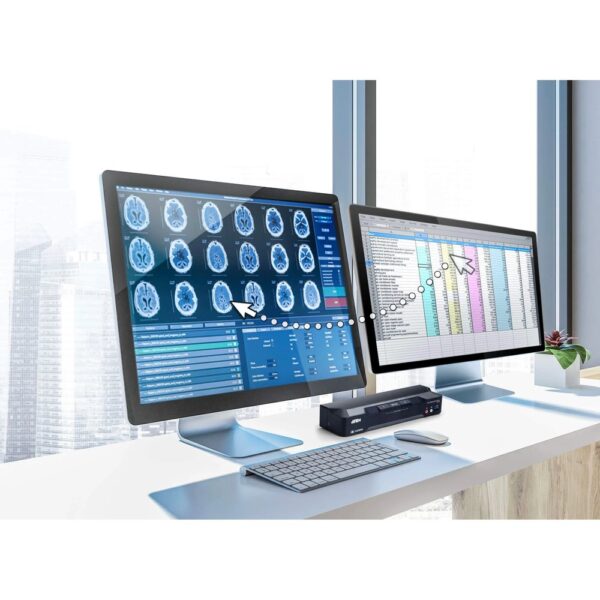
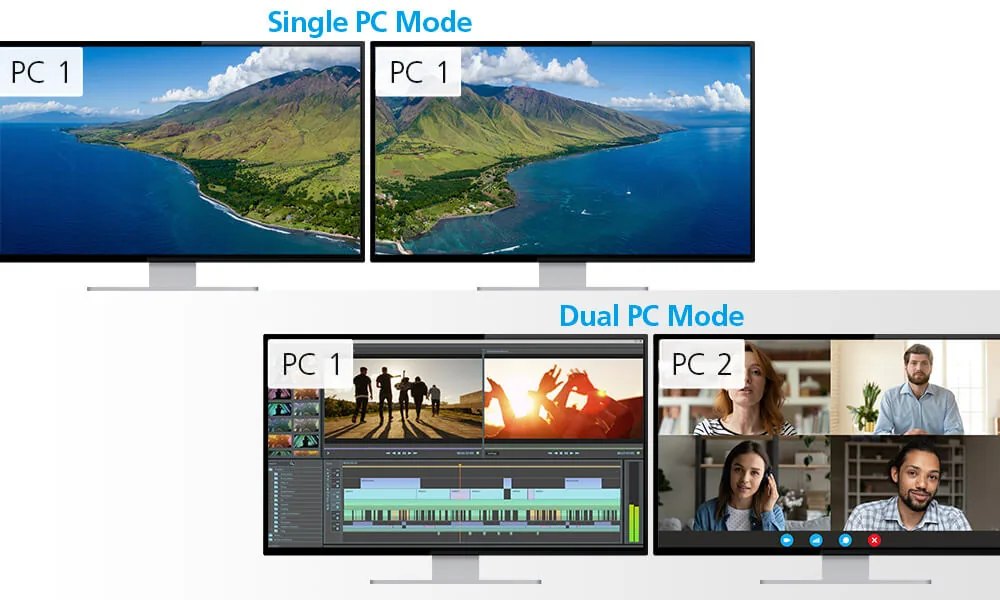
For users who work on two monitors. A dual display KVM switches both screens together, or shows one computer on each screen. Boundless switching goes further: move the mouse off the edge of one screen and it moves straight onto the next computer, with no buttons or hotkeys. It is ideal for doctors viewing images next to patient records, designers, editors and analysts.
3. USB-C and laptop KVM switches
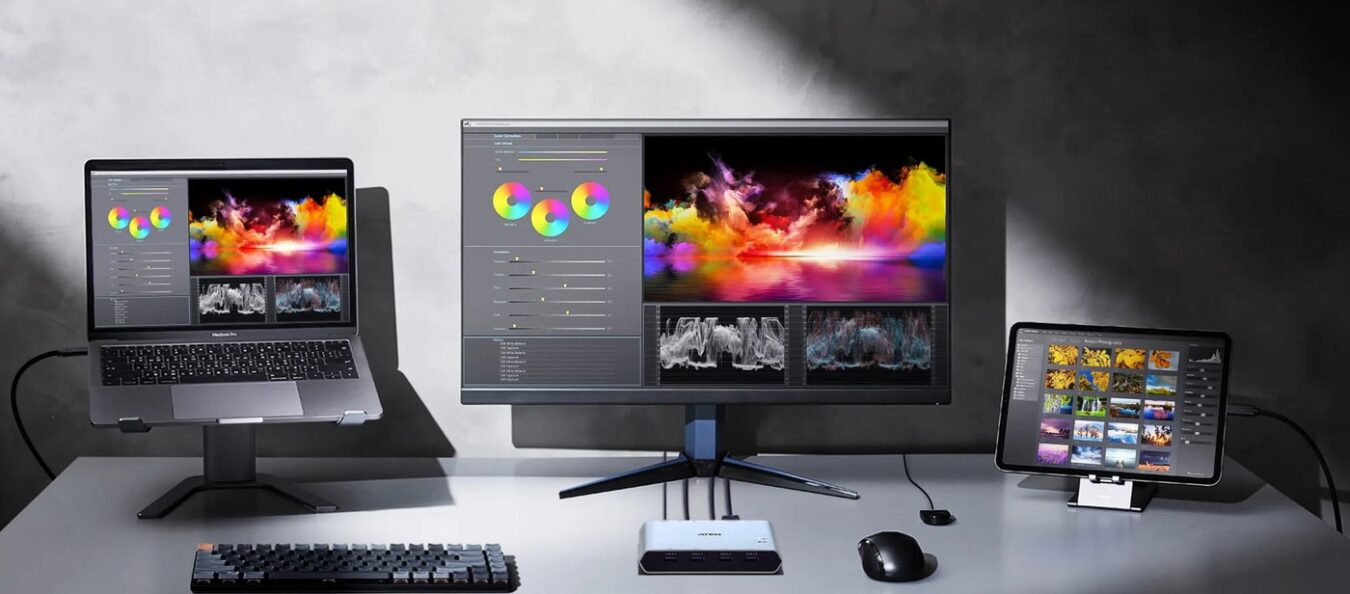
Laptops, tablets and desktops can share the same monitor, keyboard and mouse, with USB-C carrying video and USB on one cable. A clean way to move between a work laptop and an office computer at the same desk.
4. Multi-view KVM switches
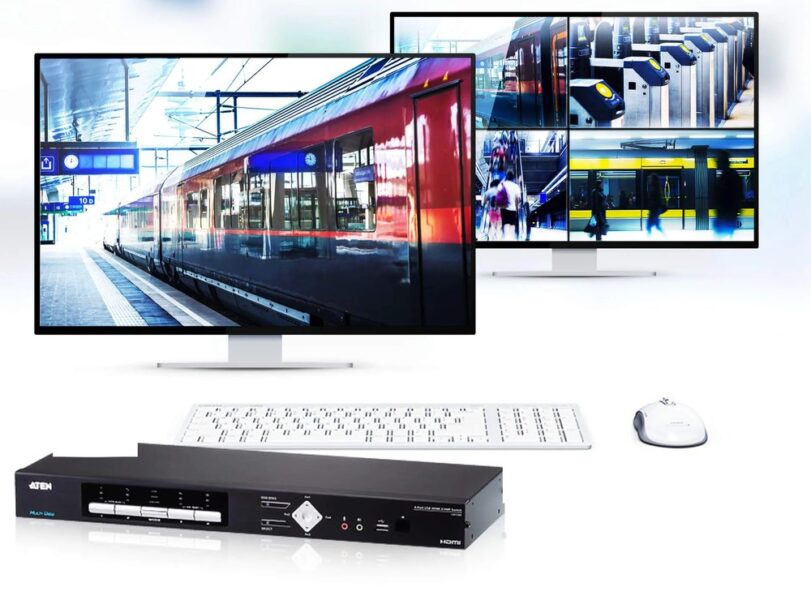
See several computers on one screen at the same time, in quad view, picture in picture or side by side, and take control of any of them. Used for security monitoring, broadcast, transport and trading desks, where the operator must watch several systems at once.
5. Secure KVM switches
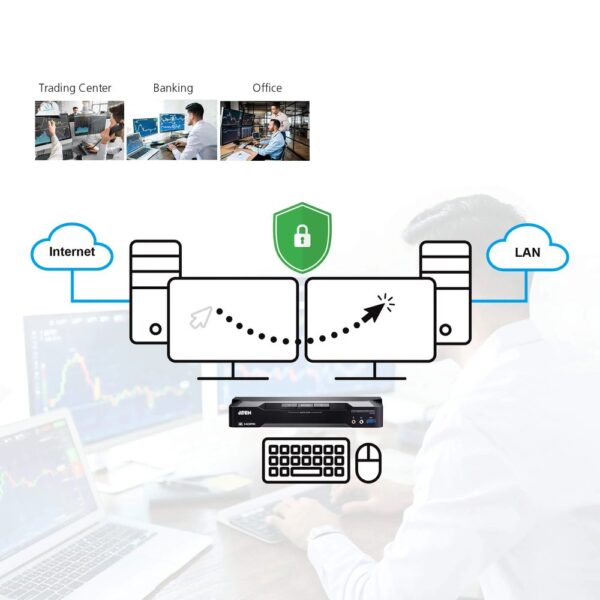
For banks, government, defence and any organisation that works with separate secure and public networks. A secure KVM lets one user work on computers of different security levels with one set of peripherals, while keeping them fully isolated so no data can pass between them.
- Certified by NIAP to the Protection Profile for Peripheral Sharing Devices (PP v4.0) on current ATEN secure KVM models
- Isolated data paths and one way data flow
- USB filtering, so only approved keyboards and mice work
- Tamper proof design and alerts for unauthorised devices
6. Rackmount KVM switches and LCD consoles
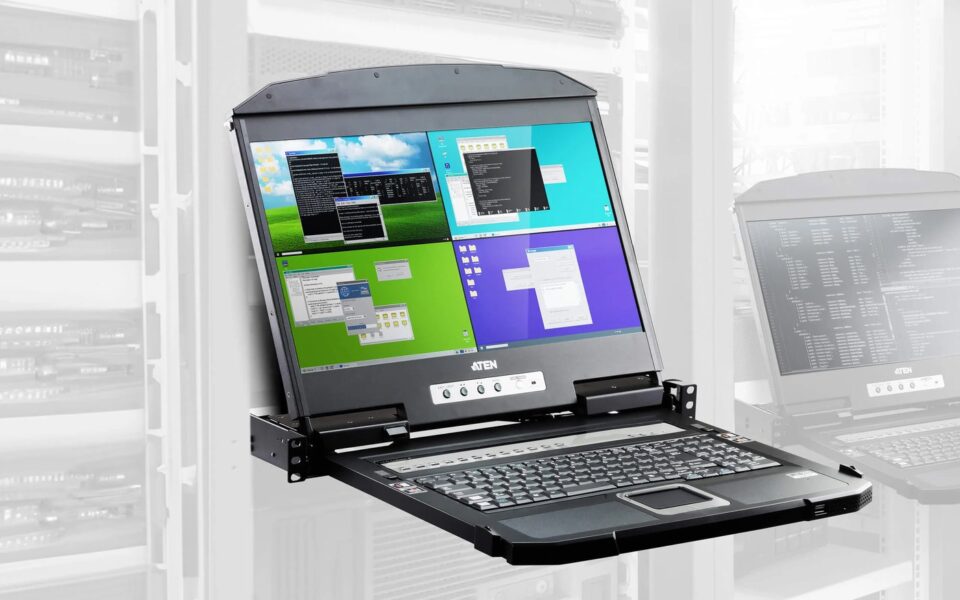
For server rooms and equipment racks. A rackmount KVM switch connects 8, 16 or more servers, and several switches can be linked for larger installations. An LCD KVM console folds out of a 1U rack slot with a screen, keyboard and touchpad, so a technician can manage every server in the rack without a separate monitor or desk. Some consoles show several servers on screen at once.
7. KVM extenders
Keep the computer in the rack or server room and the operator at the desk, up to hundreds of metres away. Extenders run over Cat cable, HDBaseT or fibre, carrying video, keyboard, mouse, USB and audio. See our Extenders page.
8. KVM over IP
Reach a computer or server over the network or the internet from anywhere, with BIOS level control, so IT staff can restart and repair servers without travelling to site. Ideal for branch networks, data centres and remote sites across the region.
9. KVM over IP matrix for control rooms
The heart of a modern control room or command centre. Every computer gets a transmitter and every operator desk gets a receiver, all on a dedicated network. Any operator can then reach any computer, share screens, and push content to the video wall.
- Resolution up to 4K and 5K on current ATEN KE and KX series extenders
- Boundless switching across several screens with one keyboard and mouse
- Push and pull content between operator screens and the video wall
- Central management with ATEN Control Center Matrix Manager (CCKM): user rights, scheduling and a live dashboard
- Encrypted connections and network and power redundancy for 24/7 operation
Used in security and surveillance centres, network operations centres, traffic and utility control, broadcast, emergency response and command and control.
10. Serial console servers and accessories
Serial console servers give remote access to network switches, routers and firewalls. KVM cables, adapters and modules complete the system, and we help you pick the right ones.
How we help
We start with how the room works: how many operators, how many computers, where they sit and what they need to see. Then we design the system, choose the right KVM type, and supply original ATEN and Kramer equipment with local warranty and support. Our trained resellers and integrators install.
What we supply
- ATEN desktop, secure and rackmount KVM switches, LCD consoles, KVM extenders, KVM over IP and KVM over IP matrix systems
- Kramer KVM switching and extension
Related: Control Rooms and Video Walls | Video Walls | Extenders | HDBaseT
PRO AV Africa designs and supplies, and our trained resellers and integrators install. Contact us for a design or quotation, or find a reseller.
BRANDS


