

Choosing a video wall for a control room is less about the screens and more about the job the operators have to do. A wall that looks impressive in a showroom can still be wrong for a room where people work long shifts. This guide sets out the decisions that matter for control rooms, command centres and monitoring rooms in Uganda and East Africa.
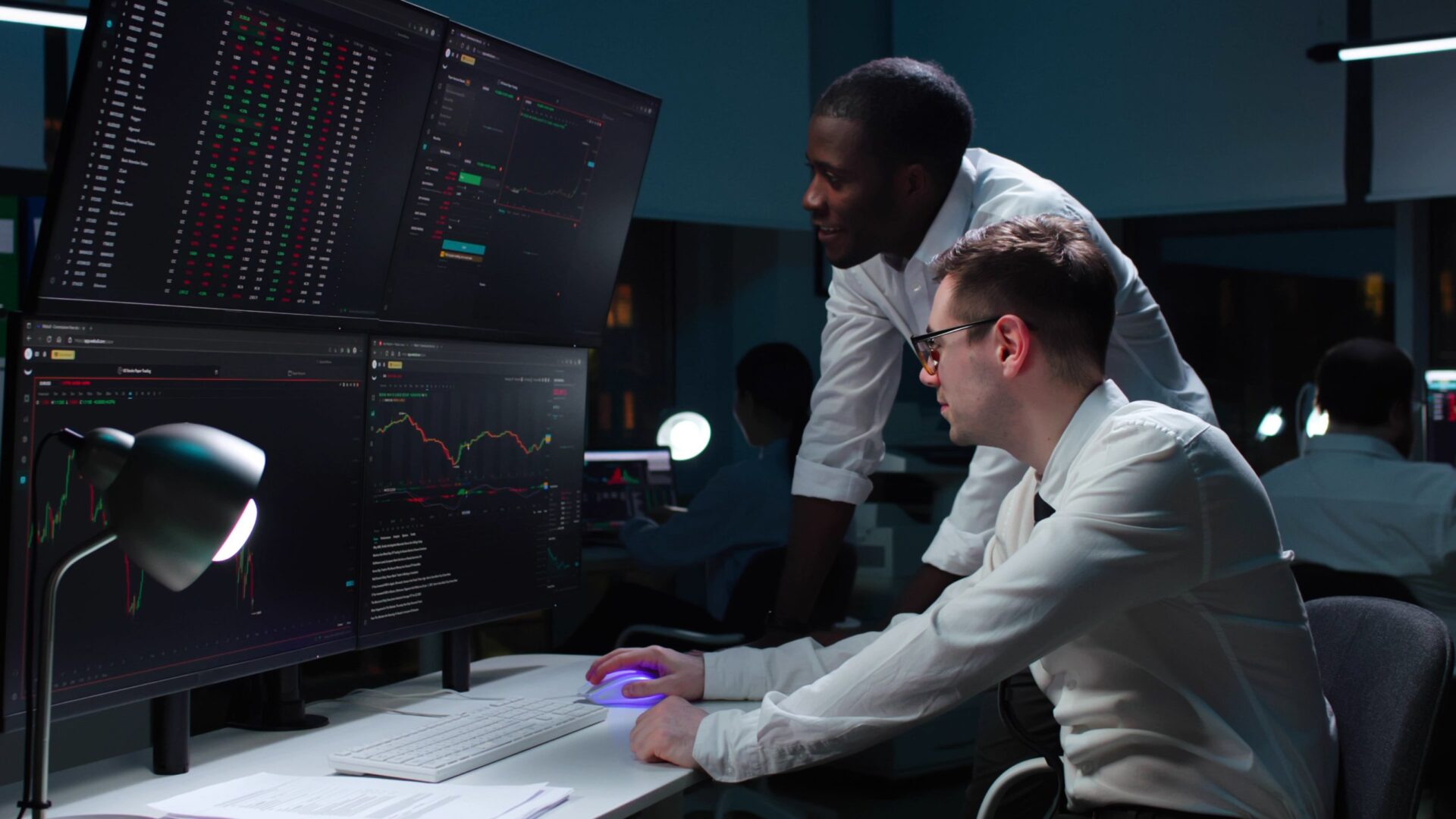
Start with what the operators need to see
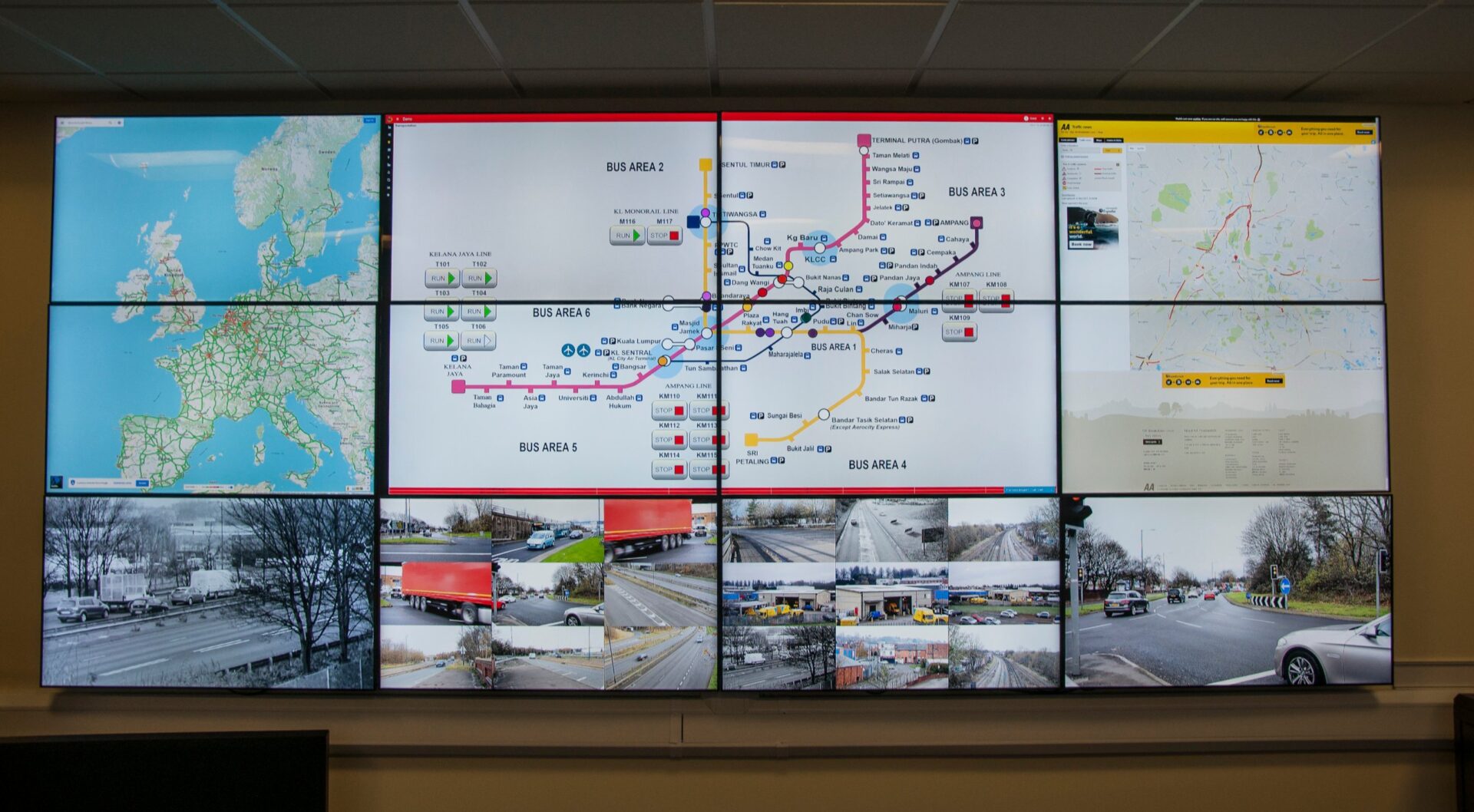
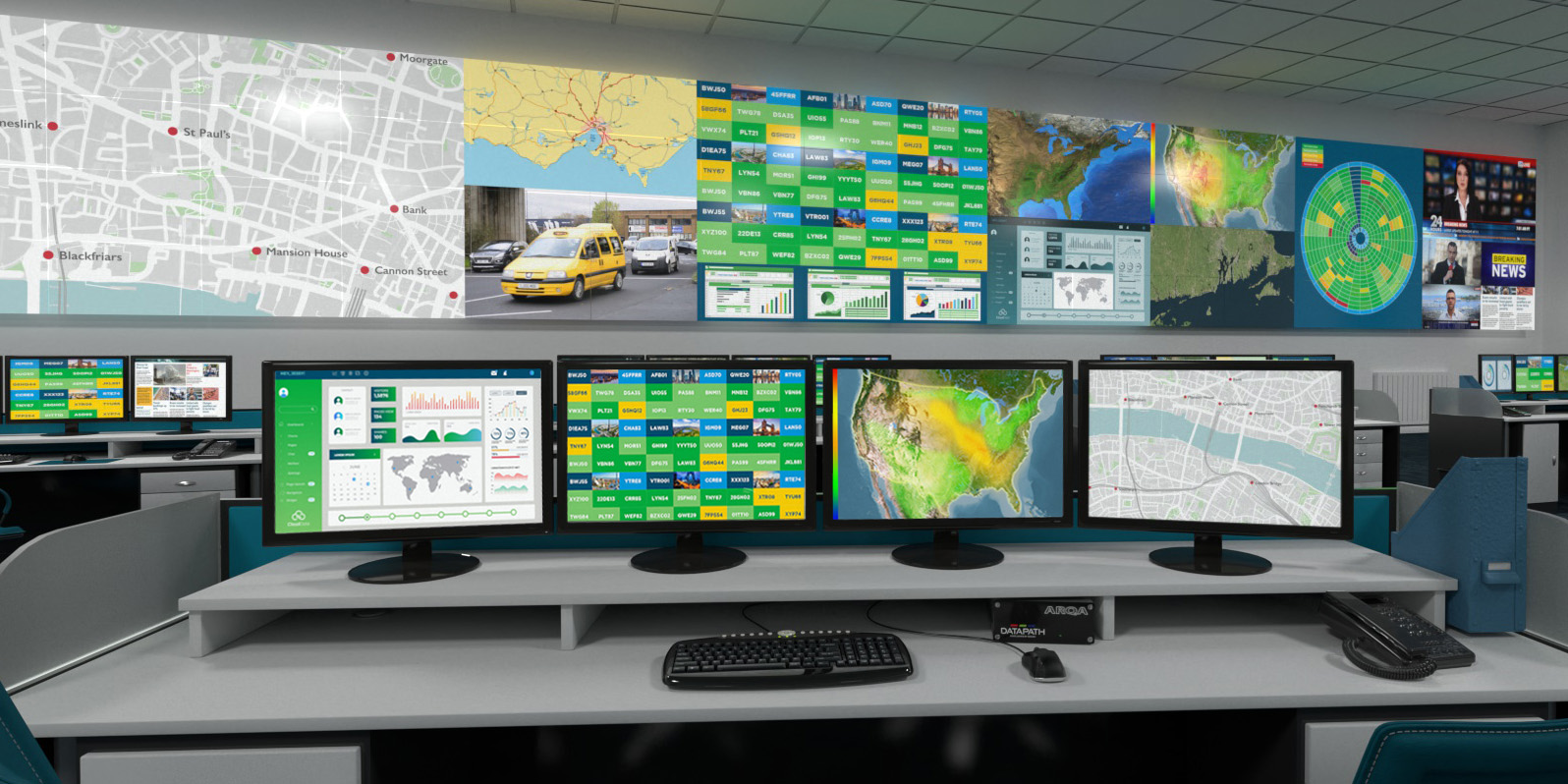
List the sources first: camera feeds, maps, dashboards, workstation screens and alarms. Count how many windows must be on screen at the same time, and which ones must always be visible. That list decides the number of screens, the layout and the controller, more than any screen specification.
What inputs can the wall show?
Most control rooms in Uganda mix three kinds of source, and each one needs its own route to the wall.
- Pay-TV and broadcast feeds: DStv, StarTimes, Zuku, Azam, GOtv and similar services. A decoder or set-top box gives an HDMI or SDI output, which goes into a capture card or a hardware controller. DStv has a commercial service, DStv for Business, with packages for commercial premises, so a feed for a public or operations room should run on a commercial account. We confirm the package and the terms for your room before you order.
- IP and IPTV streams: IPTV from a provider, network camera streams (RTSP, RTMP or RTP), ONVIF cameras and NDI sources. These arrive over the network, so the switches and the link to the server room must carry them without dropping frames.
- Local equipment and software: DVRs and NVRs, cameras, matrices, dashboards, GIS, SCADA, web pages, Office documents and PDFs. Software sources need no capture hardware. DVR and camera outputs in HDMI or SDI need a capture card or an encoder.
Polywall, the control room software we supply, lists web pages, local applications, video files, Office documents, PDFs, RTSP, RTMP, RTP, NDI and ONVIF cameras. It works with Datapath and Matrox capture cards for direct hardware input. Its public site does not list DStv, StarTimes, Zuku or DVR feeds by name, so we test each of those on site before we promise it.
Uganda has several pay-TV providers. DStv and StarTimes have the largest subscriber numbers, and the regulator licensed eight pay-TV operators in 2019, including Zuku, Azam, GOtv and Kwese. Whichever service you use, the feed needs a commercial agreement that covers the room.
Send us the full list of sources, including the format each one arrives in, before you order. We confirm each one against the controller and the software.
Not every controller is a control room controller
Three kinds of product are sold as video wall controllers, and they do different jobs.
- Signage controllers play content on a wall, such as menu boards, adverts and corporate messages. Datapath Fx4 is an example. They are built for scheduled playback, with a fallback image if a signal drops. They are not built for operators working with many live feeds, alerts and multiple layouts at the same time.
- LED processors such as NovaStar sit between the computer and a dvLED wall. They split the picture and map it onto the LED modules. They drive the LED panels well, but they do not bring in and manage multiple sources, alerts, notifications or operator layouts. A control room still needs a control layer on top of them.
- Control room controllers take many inputs, scale each one, and let operators place feeds in windows, save layouts, recall scenes and control the wall from their consoles. Examples in our range include the Kramer VW-9 and VW-16, the ATEN VW3620 and VW1608 and the Blustream MX44AVW. Polywall is the software option, and it runs on standard workstations and servers.
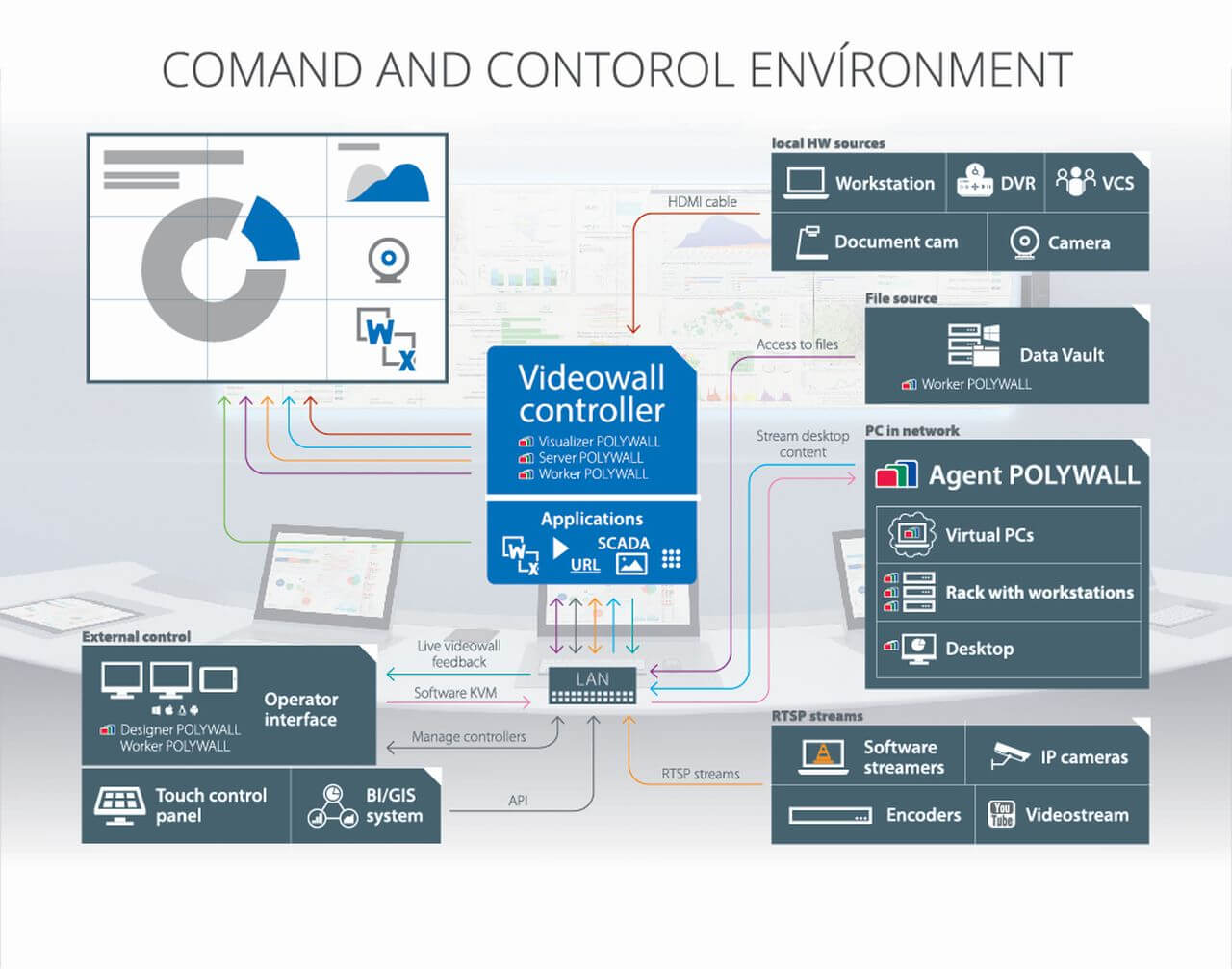
Polywall is licensed per control room, and the licence covers unlimited walls, operators and sources. Its licensing page lists six tiers (Standard, Standard+, Lite, Pro, Pro+ and Enterprise), but the public page does not say which features each tier includes. We confirm the tier and its features in the quote, so you pay for what the room needs.
Work out the viewing distance and pixel pitch
Measure from the wall to the nearest operator seat. For LED walls, pixel pitch is the distance in millimetres between one pixel and the next. A common rule of thumb is that the closest comfortable viewing distance in feet is about ten times the pixel pitch in millimetres. Pick the coarsest pitch that still looks clean at that distance. A finer pitch costs more, so do not buy finer than the room needs.
Consumer displays or commercial displays?
A consumer TV can look the same as a commercial display in a showroom, but it is built for a different life. The differences that matter in a control room are these:
- Running hours: consumer TVs are designed for about 6 to 8 hours a day. Commercial displays are built for 16/7 or 24/7 operation, with better cooling.
- Static images: consumer panels are more exposed to image retention when the same dashboard or map stays on screen for hours. Commercial models use pixel shifting and heat management to reduce this.
- Video wall features: commercial displays have narrow bezels, factory colour matching, portrait mounting and control ports such as RS-232, so the wall can be managed from the room. Consumer TVs usually have none of these.
- Warranty: consumer warranties are short and often exclude commercial use. A consumer TV run 24/7 is often outside its warranty. Commercial warranty terms vary by brand, so read the one for the model you buy.
Check the hours rating before you buy
Look for a 16/7 or 24/7 rating in the datasheet, not just a brightness or size figure. If the specification says the screen is designed for home use, or does not state a duty cycle, treat it as a consumer screen. Ask for the panel life in hours, the brightness in nits and whether the model has burn-in protection. For rooms where operators sit close to the wall for long shifts, brightness must match the room, because a wall that is too bright causes eye strain.
Plan the network and the operator desks
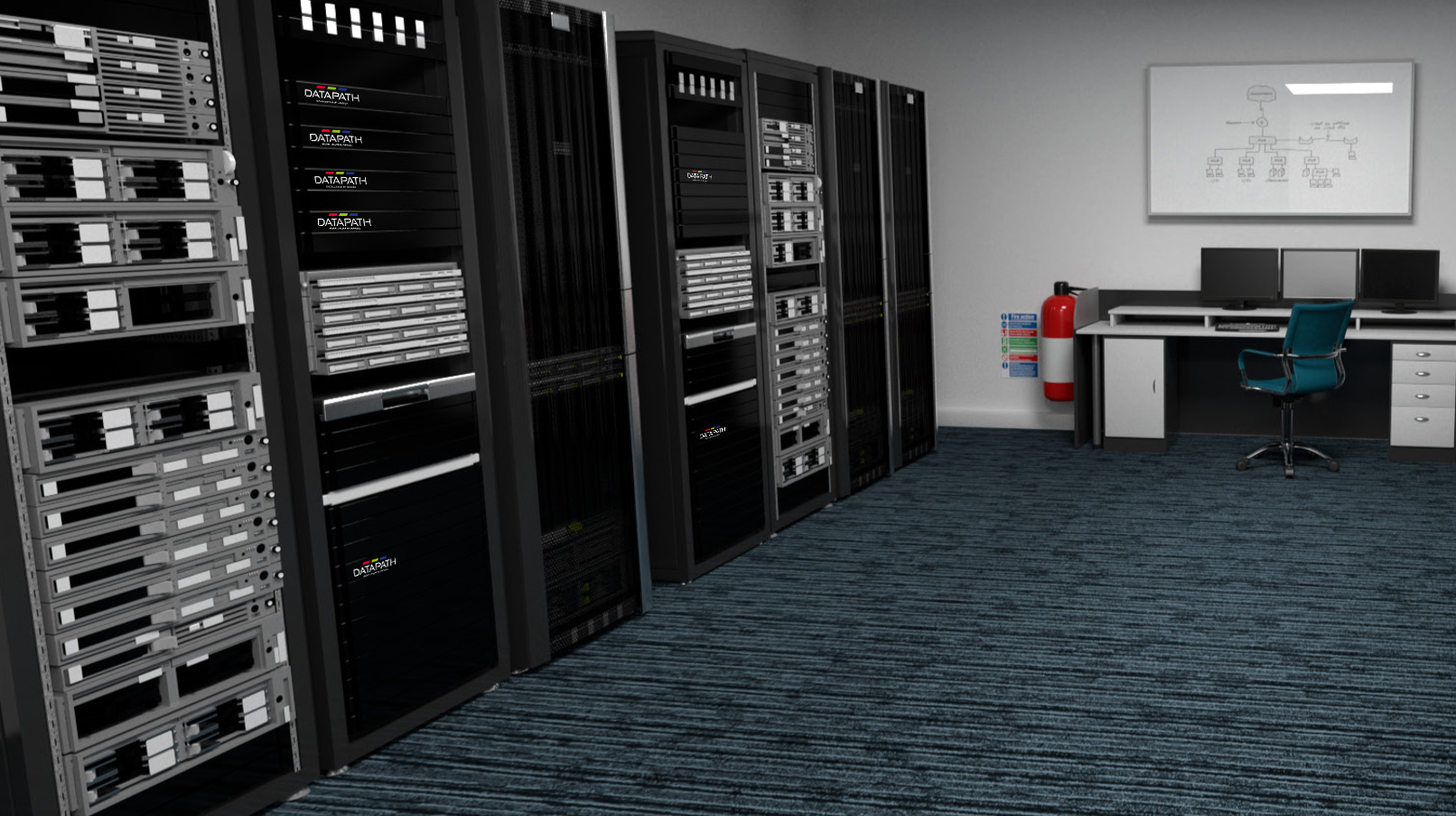
Many control rooms put the servers in a separate room. KVM over IP brings those computers to the operator desk and the wall over the network, so an operator can push a workstation screen onto the wall or pull a wall source to their desk. Plan the cabling, the network switches and the rack space before the wall is ordered, not after.
Plan power and continuity
A control room cannot go dark when the mains fails. Put the wall, the controller, the workstations and the network switches on a UPS, and plan a generator changeover that keeps them running until the generator starts. Ask for the battery runtime at the full load of the room, not the idle load.
Check screens, mounts and service access
Use the same model and batch for every screen in a wall, so colour matches across panels. Use mounts made for video walls that keep each screen level and carry the full weight. For LED walls, choose a supplier with front or rear service access, so a faulty module can be replaced without taking the wall apart.
Local support, warranty and spare parts
Cheap equipment is often the most expensive choice in a control room. A wall that is down for two weeks while a part is shipped from abroad costs far more than the saving on the purchase price. Before you buy, check:
- Who the local distributor is, and whether they hold stock in Uganda.
- The warranty terms in writing, including who repairs the product, where, and how long it takes.
- Whether spare modules, power supplies and controller cards are available locally.
- Who supports the system after handover, and how fast they respond.
- Whether the controller can be updated and managed remotely.
We only design around solutions that have local after-sales support in Uganda, because a system is only as good as the support behind it.
Plan training and handover
Operators need to use the wall every shift, so training matters as much as the hardware. We train the reseller and the client operators after installation, and we support demos and proof of concept so the operators can test the content and layout before the full order.
Questions to ask the PRO AV Africa team
- Which operators will use the wall, and what do they need to see on it at the same time?
- Which sources do we have, such as DStv or StarTimes, Zuku or Azam, IPTV, DVRs, NVRs, cameras and dashboards? Which can you take directly, and which need a capture card?
- Is the controller built for a control room, or is it a signage controller or an LED processor?
- Will the pay-TV feed run on a commercial account that covers this room?
- What is the viewing distance to the nearest seat, and what pixel pitch does that support?
- Is the display rated for 16/7 or 24/7 operation, and what is the panel life in hours?
- What is the warranty in Uganda, and which spare parts do you hold in Kampala?
- How will the UPS and generator keep the wall running during a power cut?
- Who installs the system, and who trains and supports our operators after handover?
- Can we test the layout with our own sources before we order?
Ready to plan a room? Contact the PRO AV Africa team in Kampala for a design visit or a quotation, or see our video walls and control rooms range.