

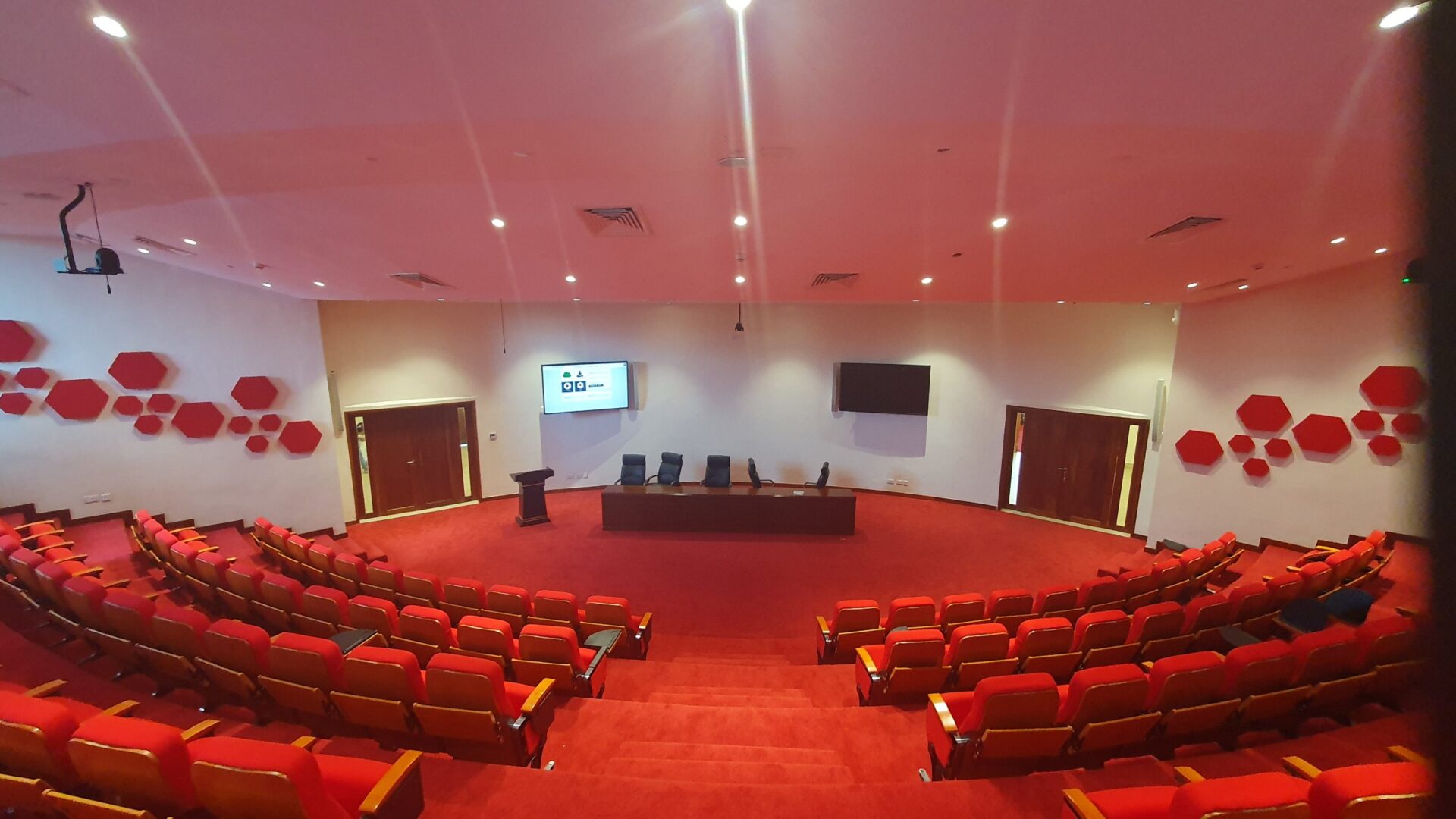
The right image for the room: size, brightness and viewing distance first, then the technology.
Start with the room, not the product
Most display problems start when the technology is chosen before the room is understood. Before any brand is discussed, we need four answers: how big the room is, how far the furthest person sits from the screen, how much light is in the room during use, and what the screen has to show (slides, spreadsheets, video, control room data or adverts). Those answers decide whether you need a flat panel, a video wall, a projector and screen, or something else.
PRO AV Africa designs every display and projection system around solutions that have local after-sales support in Uganda. A display that fails after six months, with no spare parts or technician in Kampala, costs more than one that is properly supported.
The main types at a glance
| Type | Best for | Long daily use | Notes |
|---|---|---|---|
| Consumer TV | Homes and lounges | No | Built for home viewing. Not designed for many hours a day. |
| Commercial display (LFD) | Offices, lobbies, classrooms, retail, meeting rooms | Yes | Commercial warranty, mounting options and remote management. |
| Interactive display | Classrooms, boardrooms, collaboration | Yes | Touch built in, usually with a computer module. |
| LCD video wall | Control rooms, command centres, lobbies | Yes | Several panels joined together, with bezels between them. |
| DvLED video wall | Large indoor and outdoor walls, halls, lobbies | Yes | LED pixels with no bezel. Needs more power, cooling and structure. |
| Projector | Halls, classrooms, auditoriums, large images | Yes, with lamp or laser life to plan for | Needs a suitable room, a screen and regular maintenance. |
| Kiosk | Public information, queues, self-service | Yes | Sealed, touch, bright and lockable. |
Flat panel displays
Consumer displays (TVs)
A TV is made for a home, with a remote, a few hours of use a day and one input. It works well in a living room. In an office, school or shop it is often the wrong choice. The warranty may not cover commercial use, and it is not built to run for long hours. A TV mounted in a meeting room or lobby is a short-term fix at best.
Commercial displays (LFD)
LFD stands for large format display. These panels are built for long daily use, usually with a commercial warranty, proper mounting options, automatic start-up and remote management. They suit offices, schools, retail, hospitality and meeting rooms. Check the rated daily operating hours and the warranty terms on the datasheet before you buy.
Interactive displays
An interactive display is a large touch screen with a computer built in or fitted in a slot. Infrared touch uses a frame around the screen and works with fingers and most objects. Capacitive touch uses a glass surface, responds to fingers and capacitive styluses, and is more usual on higher-end panels. Ask for the number of touch points and the computer specification, not just the screen size.
Computer monitors
Monitors suit one person or a small group at a desk, and control rooms where operators sit in front of several screens. For control rooms, choose commercial or professional monitors with a long warranty and 24-hour operation. Curved monitors give a wider view at close range, which suits editing and trading desks, but they are rarely the right choice for showing a presentation to a room. Gaming monitors are built for fast motion, not for running all day.
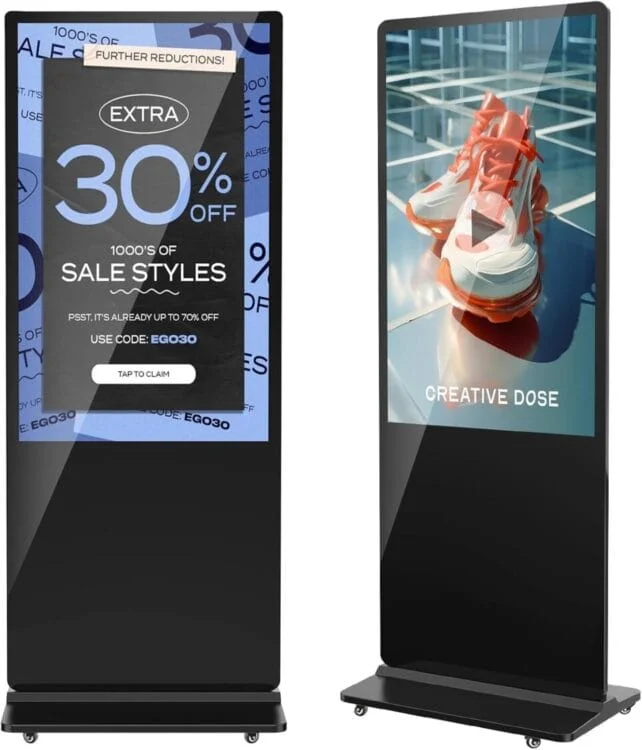
Kiosks
A kiosk is a display built for the public. It needs a sealed, lockable enclosure, touch that stays reliable in daily use, and a screen bright enough for the light where it stands. Near a window or outdoors, a standard indoor screen will look dim and washed out. The computer should be locked away from the public, with remote monitoring if possible and a plan for what happens when the software stops.
Video walls
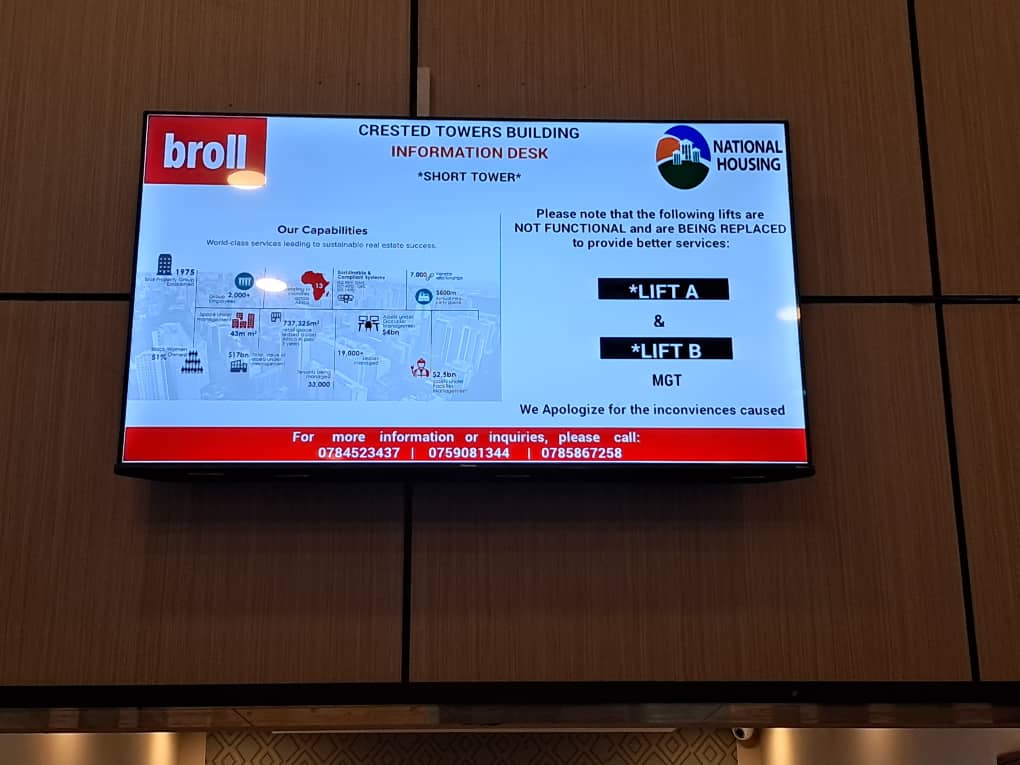
LCD video walls
An LCD video wall joins several LCD panels into one picture. The gap between panels is the bezel. Narrow bezel panels make the gap smaller, but a seam is always there, and it shows on text and fine lines. LCD walls suit control rooms, command centres and lobbies, where people view from close range and the content is mostly data, maps and video. Every panel needs power, a video processor, cabling and a bracket that holds it level. A failed panel must be replaced with the same model, so spares matter.
DvLED video walls (direct view LED)
A DvLED wall is made of LED modules. There is no bezel, and the picture is made by the LEDs themselves, so the wall looks like one continuous surface. It is brighter than an LCD wall and can be built very large, indoors or outdoors. It needs more power, more cooling, a proper structure, a controller and spare modules.
Pixel pitch explained
Pixel pitch is the distance from the centre of one LED pixel to the centre of the next, in millimetres. A P2.5 wall has a 2.5 mm pitch. A P10 wall has a 10 mm pitch. A smaller pitch means more pixels in each square metre, a sharper picture up close, and a higher cost. As a rule of thumb, the nearest viewer should stand at least about one metre away for every millimetre of pitch.
| Pixel pitch | Typical use | Closest comfortable viewing (rule of thumb) |
|---|---|---|
| P1.5 to P2.5 | Control rooms, boardrooms, lobbies | About 2 to 3 m |
| P3 to P4 | Halls, conference rooms, retail | About 3 to 4 m |
| P6 to P10 | Outdoor walls, large venues, viewing from further away | About 6 to 10 m |
What a DvLED wall really costs
The price per square metre is only part of the cost. Compare quotes only when they include the same items:
- LED modules, with the spare module count and the spares price
- Receiving cards, sending cards and the video processor
- Structure, brackets, cabling and rigging, and weatherproofing for outdoor walls
- Power supply capacity, power distribution and a UPS where needed
- Cooling and ventilation, especially in closed rooms
- Content player, control software and network design
- Installation, calibration and commissioning
- Warranty, service response time and who the local technician is
- Running costs for power and maintenance over the life of the wall
Two things push the cost up fast. A finer pixel pitch needs many more LEDs in the same area, and a larger or curved wall needs a heavier structure. Before you compare an LCD quote with a DvLED quote, check the wall size, pixel pitch, brightness and service level are the same in both.
Projectors
Why a $300 projector disappoints
A projector sold for a few hundred dollars is fine for a bedroom or a small room with the lights off. In an office or classroom it usually disappoints. Brightness is quoted in lumens, and that figure only means something once the room light and the screen size are known. The picture fades as soon as the room lights come on. The lens is basic, so the edges look soft. The lamp wears out, the fan is loud, and there is no lens shift, so the projector has to sit exactly square to the screen. Cheap models often come with no proper mounting, no network control and no local warranty support. What you pay is what you get.
How the picture is made: 3LCD and DLP
| Technology | How it works | Strengths | Watch out for |
|---|---|---|---|
| 3LCD | Light is split into red, green and blue. Each colour passes through its own LCD panel, and the three are combined into one picture. | Even colour and brightness across the picture. No rainbow effect. Works well in lit rooms. | Black levels can look greyer than DLP. Dust collects in the optics, so filter care matters. |
| DLP | A chip with millions of tiny mirrors (DMD) switches light for each pixel. Single chip models use a colour wheel. | High contrast, compact, and sharp for its size. | Some viewers see a brief rainbow effect on single chip models. Check it in a demo. |
Some premium projectors use LCoS (sold under names such as D-ILA or SXRD). It is a separate family, and it gives strong black levels at a higher price.
Lamp, hybrid or laser
Lamp projectors cost less to buy, but the lamp is a consumable. Lamp life is typically a few thousand hours in eco mode, and each replacement costs money and downtime. Laser projectors cost more at first, and usually run far longer before the light source needs attention. Hybrid and laser-phosphor models sit between the two. Before you choose, ask for the rated light source life in standard and eco modes, and the replacement price in Uganda.
Throw distance: standard, short and ultra short
Throw ratio is the distance from the lens to the screen, divided by the picture width. A lower ratio means the projector can sit closer to the screen. A projector with a throw ratio of 1.5, placed 4.5 m from the screen, gives a 3 m wide picture. The exact bands vary by maker, so use the ratio on the datasheet.
| Type | Throw ratio (approximate) | Where it fits |
|---|---|---|
| Ultra short throw | Below about 0.5 | Classrooms and boardrooms with the projector a short distance from the wall, and presenters who walk in front of the picture without casting a shadow |
| Short throw | About 0.5 to 1.2 | Classrooms and meeting rooms with limited depth |
| Standard throw | About 1.2 and above | Halls and rooms with space behind the audience |
Consumer, professional, education and large venue
| Category | Brightness | Features that matter | Typical use |
|---|---|---|---|
| Consumer | Low | Easy set-up, small and cheap | Home cinema, bedroom, personal use |
| Professional | Medium to high | Lens shift, zoom, network control, proper warranty | Meeting rooms, boardrooms, churches, corporate use |
| Education | Medium | Short or ultra short throw, interactive options, low maintenance, sturdy mounts | Classrooms, lecture theatres, labs |
| Large venue | Very high | Choice of lenses, lens shift, edge blending, heavy-duty mounting | Halls, auditoriums, large churches, events |
Education projectors
In a classroom the teacher stands, moves and points at the screen. A short or ultra short throw projector keeps the beam above people’s heads, so the teacher does not block the picture. Interactive ultra short throw systems add pen or touch control on the wall, with a lectern for the computer and controls. Choose a long-life light source where servicing is hard to reach, and plan a lockable, dust-protected installation.
Large venue projectors
Large halls need very high brightness, lenses matched to the throw distance, and often several projectors blended into one picture. Large venue lenses are expensive and must be aligned precisely. Past a certain size, and especially in halls with daylight, a DvLED wall often gives a better picture and avoids lamp replacement. We look at both options with the client before recommending one.
Are projectors dead?
No. Projectors are still the right tool for many rooms. What has changed is the list of jobs where a projector is the best answer. LED walls have taken over many lobby, control room and daylight jobs, and cheap projectors have given the category a poor name. A good projector still gives the largest picture for the money in a room you can darken. The screen can be any size or shape, the projector can sit out of the way, and it can be upgraded or replaced without changing the screen.
The choice comes down to the room:
- Projector: a large image in a room that can be darkened, a layout that may change, or a budget that does not stretch to a wall.
- LED wall: rooms with daylight, close viewing, a need for steady brightness at all times, or a surface that must become part of the building.
Brightness is only part of the answer. The room’s darkness, the screen’s gain and the throw distance decide what the audience actually sees.
Edge blending
Edge blending joins two or more projectors into one wider or taller picture, with no hard line where they meet. Each projector covers part of the image, and the overlap zones are faded so the join disappears. The projectors also have to be aligned, so lines and text match across the join, and colour matched, so one side is not warmer or darker than the other.
Edge blending is the usual way to build a very large image in a hall or behind a wide stage. It needs a blending processor or the projector’s own blending feature, lenses that suit each throw distance, a stable structure, and calibration once the projectors are fixed. If one projector is moved or replaced, the set must be recalibrated.
Projection mapping
Projection mapping puts a picture onto a surface that is not flat, such as a building facade, a stage set, a column, a curved wall or a piece of furniture. The content is warped to fit the shape, so it looks correct from where the audience sits. It is used for events, branding, architecture and stage design, and for turning an awkward space into a display.
A mapping job starts with a survey of the surface and a decision on where the projectors can sit. The content is built to the shape of the surface, the projector images are warped and masked to match, and the system is tested at the time of day it will run. A mapped image looks right only from the position where the projector was aligned. Outdoor mapping needs brighter projectors or a dark night.
Projection screens
The screen decides how much of the projector’s light reaches the audience and how black the blacks look. A good projector on a poor screen looks worse than an average projector on a good screen.
Screen surfaces, gain and grey
Gain measures how much light the screen sends back toward the viewer, compared with a standard matte white reference of 1.0. Higher gain looks brighter when you sit straight in front, but the picture gets dimmer as people sit to the side.
| Surface | Gain | Best for |
|---|---|---|
| Matte white | About 1.0 | Darkened rooms, wide viewing angles, classrooms with controlled light |
| High gain white | Above 1.0 | Bright projectors in dim rooms, where seating is mostly straight ahead |
| Grey (high contrast) | Below 1.0 | Rooms where the lights stay on, and where black levels matter |
| ALR (ambient light rejecting) | Varies by maker | Rooms with ceiling lights or windows. It sends light from above away from the viewer. |
| Acoustically transparent | Lower, with a perforated surface | Speakers placed behind the screen |
Use grey when the room cannot be darkened and the lights stay on. A grey surface gives deeper blacks and more contrast than white, at the cost of brightness. A grey screen needs a projector with enough lumens to match. In a dark room with a good projector, white is still the right choice.
Screen types
| Type | Surface | Use |
|---|---|---|
| Fixed frame | Flattest and most accurate. Always in place. | Dedicated cinema, home cinema, boardrooms with a fixed wall |
| Manual pull-down | Good, but can sag or ripple over time | Budget rooms and classrooms where it is pulled down for use |
| Electric (motorised) | Good, depends on how well it is tensioned | Halls, meeting rooms and lecture theatres where the screen should disappear when not in use |
| Electric tensioned | Flat, held by tension tabs or a tensioning system | Professional halls, boardrooms, cinemas and high-quality presentations |
| Portable tripod | Depends on quality | Events, training rooms and presentations that move between rooms |
Remote and third-party control
Motorised screens can be operated by a handheld remote, a wall switch or a control system. Common methods are infrared remote, a relay or 12 volt trigger from the projector or control system, and serial (RS-232) or IP control for rooms run from one touch panel. Check that the screen and the room’s control system are compatible before buying. Third-party control means the room’s main control system operates the screen, not only its own remote.
How to size a screen
Do not pick a screen by feel. Size it from the room and the people in it.
Step 1: Find the furthest seat
Measure from the screen to the furthest seat that needs to read the content.
Step 2: Set the screen height from the furthest seat
Use ÷ 8 if people must read small text.
These are rules of thumb. Check the layout against the actual seats, and adjust for the content.
Step 3: Convert height to width and diagonal (16:9 screens)
Diagonal (m) = height ÷ 0.4903
Diagonal (inches) = diagonal (m) × 39.37
Step 4: Check the projector can fill the screen
Use the exact throw ratio from the projector datasheet. If the width the room gives you does not match the screen you want, change the throw distance, the lens or the projector.
Example: the furthest seat is 12 m from the screen, and the content includes detailed text.
Screen height = 12 ÷ 8 = 1.5 m. Width = 1.5 × 1.778 = 2.67 m. Diagonal = 1.5 ÷ 0.4903 = 3.06 m, about 120 inches.
If the content is mostly large images and video, use ÷ 6 instead. Height = 2 m, width 3.56 m, diagonal about 161 inches.
Which display for which place
| Place | What usually works | What to avoid |
|---|---|---|
| Home | A good quality TV, or a home projector with a screen for cinema viewing. Commercial warranty is not needed. | Projectors with fan noise near bedrooms, large commercial walls |
| Office and boardroom | Commercial display for small rooms. Electric screen and projector for larger rooms. Interactive display for collaboration. | A consumer TV on the wall, or a projector without lens shift in a room with ceiling lights |
| School and college | Interactive display or short throw projector, lockable installation, sturdy mounts, long-life light source | Cheap projectors with short lamp life, screens the teacher cannot operate |
| Hall, church, auditorium | Professional projectors with lens choice, electric tensioned screen, or a DvLED wall in daylit spaces | Low brightness projectors, screens without proper tensioning |
| Retail and hospitality | Commercial displays, or DvLED for windows and lobbies, with a content management system | Consumer TVs left on for long hours |
| Control room | LCD or DvLED video wall with commercial monitors and a proper video processor | Consumer monitors, video walls without a processor |
| Kiosk | Sealed touch kiosk with a bright, anti-glare screen and a locked computer | Open cabinets, indoor screens in sunlit areas |
What else to check before you buy
Most of these only come up after the equipment is in the room. Check them early.
- Ambient light from windows and ceiling lights during use
- Sightlines, so that every seat sees the screen without a column, pillar or speaker in the way
- Cable distance, and whether HDBaseT or fibre is needed for long runs
- Power and backup: sockets, distribution and a UPS for displays and controllers
- Heat and dust: ventilation, filters and a cleaning schedule
- Control: remote, touch panel, scheduling, and whether the room switches on and off with one button
- Mounting: wall, ceiling and floor loads, and who signs off the fixings
- Maintenance: lamp or light engine, filters, spare modules and replacement lead time
- Warranty and local service: spare parts in Uganda, response time and who does the repair
- Content: what will be shown, who will update it, and how
- Total cost over five years, not just the purchase price
How PRO AV Africa works with you
We consult, design and specify the display or projection system. We prepare the drawings, BOQ and tender documents, supply the equipment through our distribution channel, supervise the installation, commission the system and train the users. Installation is carried out by our trained resellers and system integrators. Every design uses solutions that have local after-sales support in Uganda.
Tell us the room, the number of seats, the distance to the furthest seat and what needs to be shown. We will tell you what fits.
PRO AV Africa, Plot 84B Luthuli Avenue, Bugolobi, Kampala
[email protected] · +256 (0) 752 50 60 90